
What Is Beem JobsGPT?
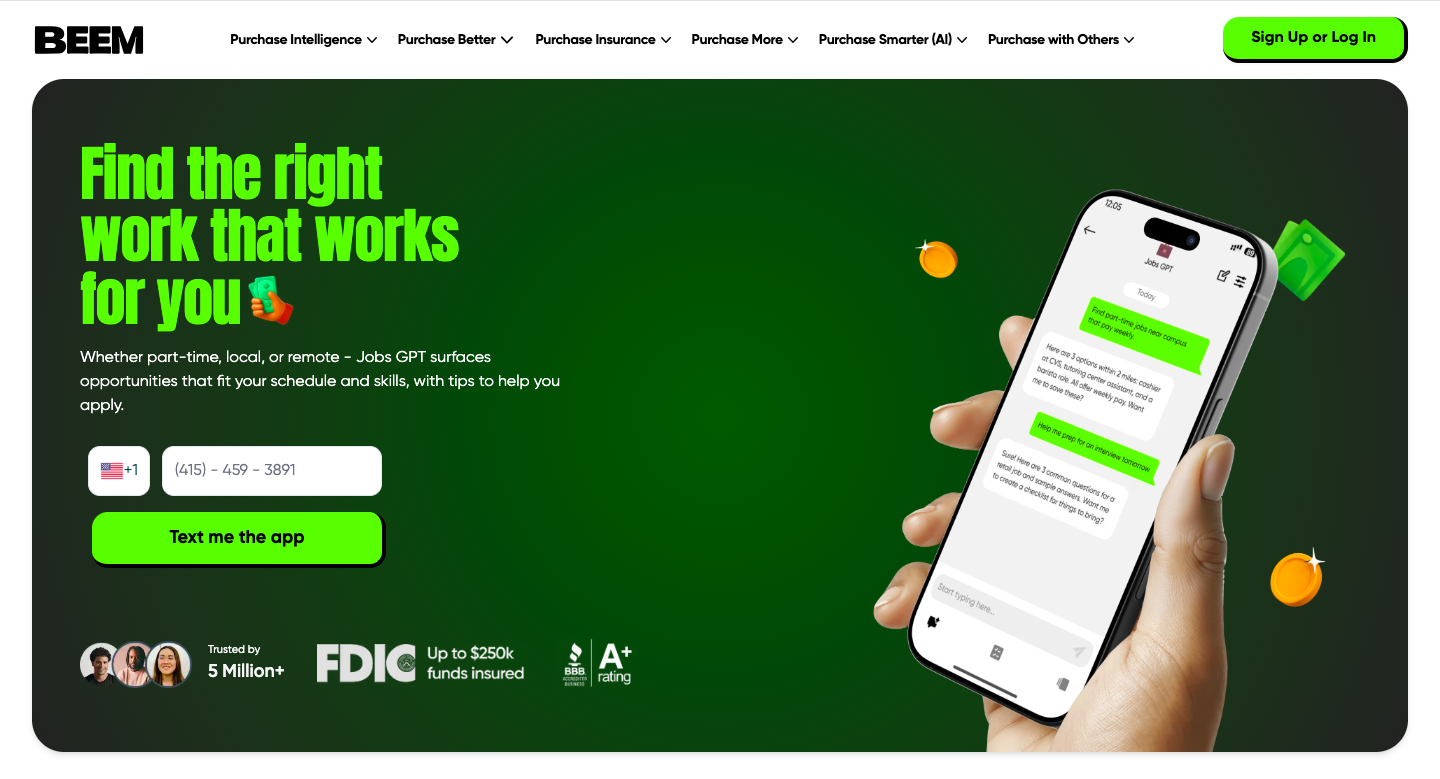
Jobs GPT is an AI-powered job search assistant inside the Beem app. It helps you discover job opportunities that match your skills, availability, and work preferences without spending hours scrolling through job boards.
Instead of showing random listings, Jobs GPT focuses on personalized results so you can quickly find roles that fit your schedule and goals.
How Jobs GPT Works
Using Jobs GPT is simple:
Share Your Preferences: Enter details like your skills, experience level, preferred work hours, and whether you’re looking for part-time, full-time, remote, or local jobs.
Get Tailored Job Matches: Jobs GPT analyzes your inputs and presents job opportunities that align with what you’re looking for.
Receive Practical Guidance: You may get helpful suggestions such as resume tips, interview preparation ideas, or ways to improve your application.
Stay Updated: You can revisit the feature regularly to explore new opportunities as they become available.
Who Can Use Jobs GPT?
Jobs GPT is useful for:
People searching for part-time or flexible work
Individuals looking for remote job opportunities
Students or gig workers who need side income
Anyone who wants a simpler way to explore job options
Whether you are starting your career or looking for extra income, Jobs GPT helps narrow your search so you can focus on relevant opportunities.
What Jobs GPT Does Not Do
Jobs GPT does not directly hire you or guarantee job placement. It helps you discover relevant openings and prepare better applications, but final hiring decisions are always made by employers.
Why Use Jobs GPT?
Job searching can feel overwhelming when you are sorting through hundreds of listings. Jobs GPT simplifies the process by:
Reducing time spent searching
Showing more relevant opportunities
Offering useful application tips
Helping you stay organized
If you want a smarter, more focused way to look for work inside the Beem app, Jobs GPT provides a convenient starting point.
Was this article helpful?
That’s Great!
Thank you for your feedback
Sorry! We couldn't be helpful
Thank you for your feedback
Feedback sent
We appreciate your effort and will try to fix the article